01
A clear schedule, not a simple list
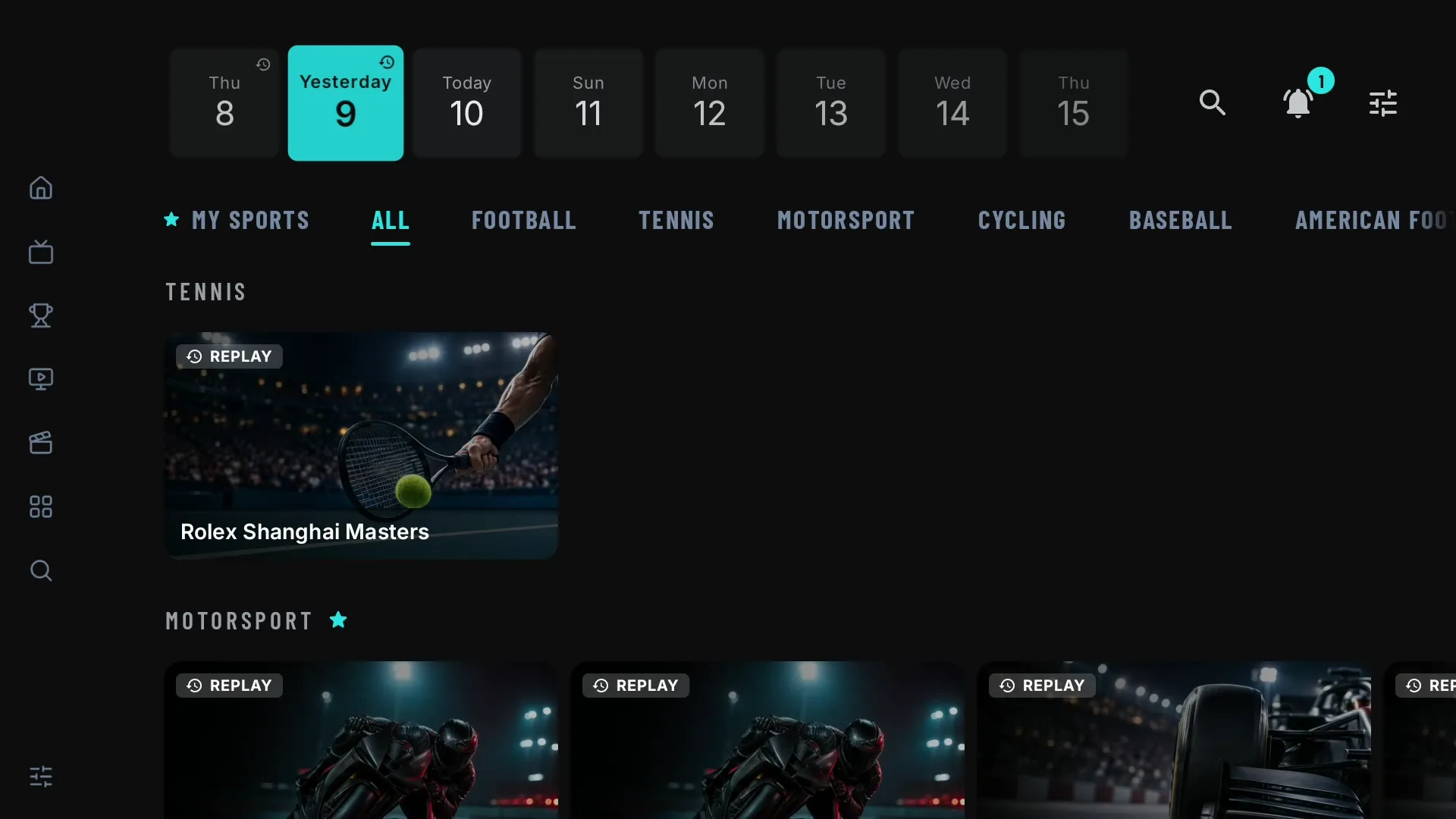
Today and the coming days, by sport and competition. Matches, but also races, stages, tournaments and fight nights. Live comes first, one click away. Replays too*, in case you missed it.
TViO is a high-performance player designed for large libraries, fast navigation and a polished TV experience on all your devices.
TV · input · output
Sports Center · multi-sport
Sports Center reads the guide of the playlists you add and builds a sports agenda: what's live, what's next and the broadcasts TViO matched to your playlists.
Today and the coming days, by sport and competition. Matches, but also races, stages, tournaments and fight nights. Live comes first, one click away. Replays too*, in case you missed it.
Each event lists the broadcasts found in all your playlists, sorted by quality. The one that worked for you last time comes first, and TViO learns as you use it. If one shows something else, mark it as Wrong event and TViO automatically tries the next recommended one. Matches are a best guess, not a promise.
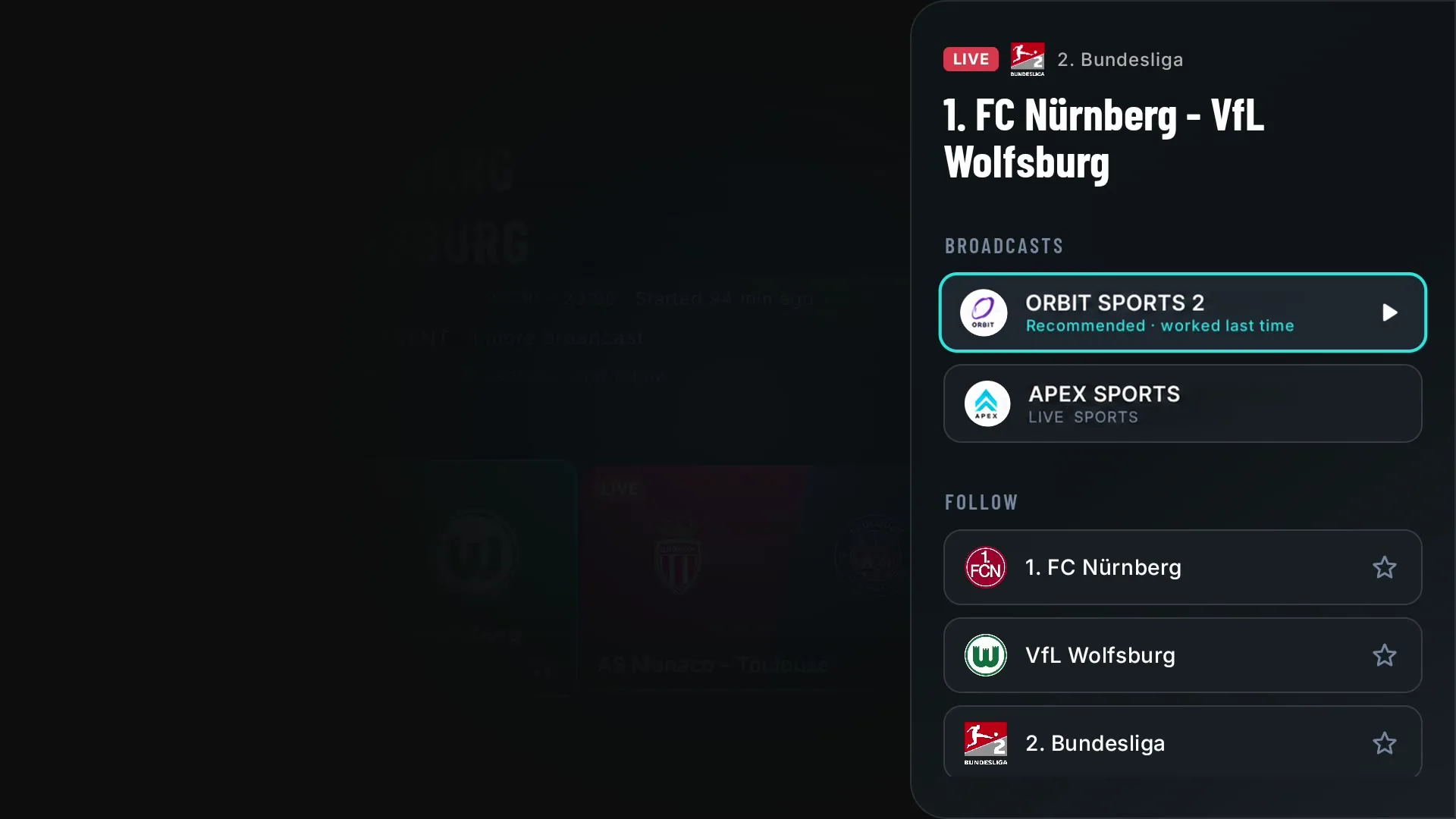
Follow teams and competitions and My sports shows only what matters to you. Tap Remind me and TViO tells you before it starts.
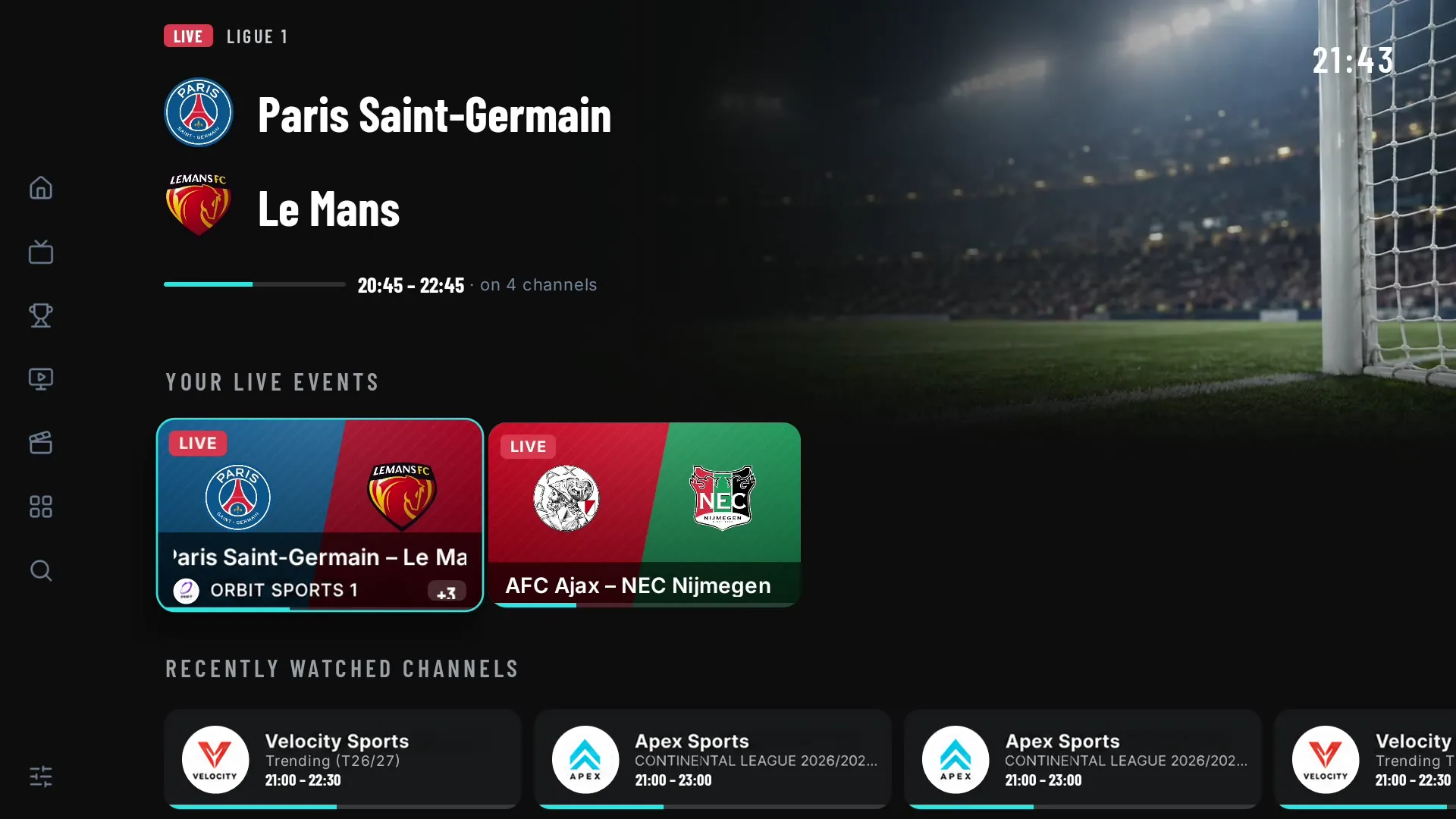
Sports Center only shows the events TViO can match to the playlists you add. *Replays only where your provider keeps an archive. TViO does not provide channels, broadcasts or sports content.
The guide that gets it right
Most playlists ship channels without a guide ID, or with the wrong one. TViO matches every channel to a stable identity and fills the gaps from public guides. An exact match or nothing: an empty slot is better than the wrong programme.
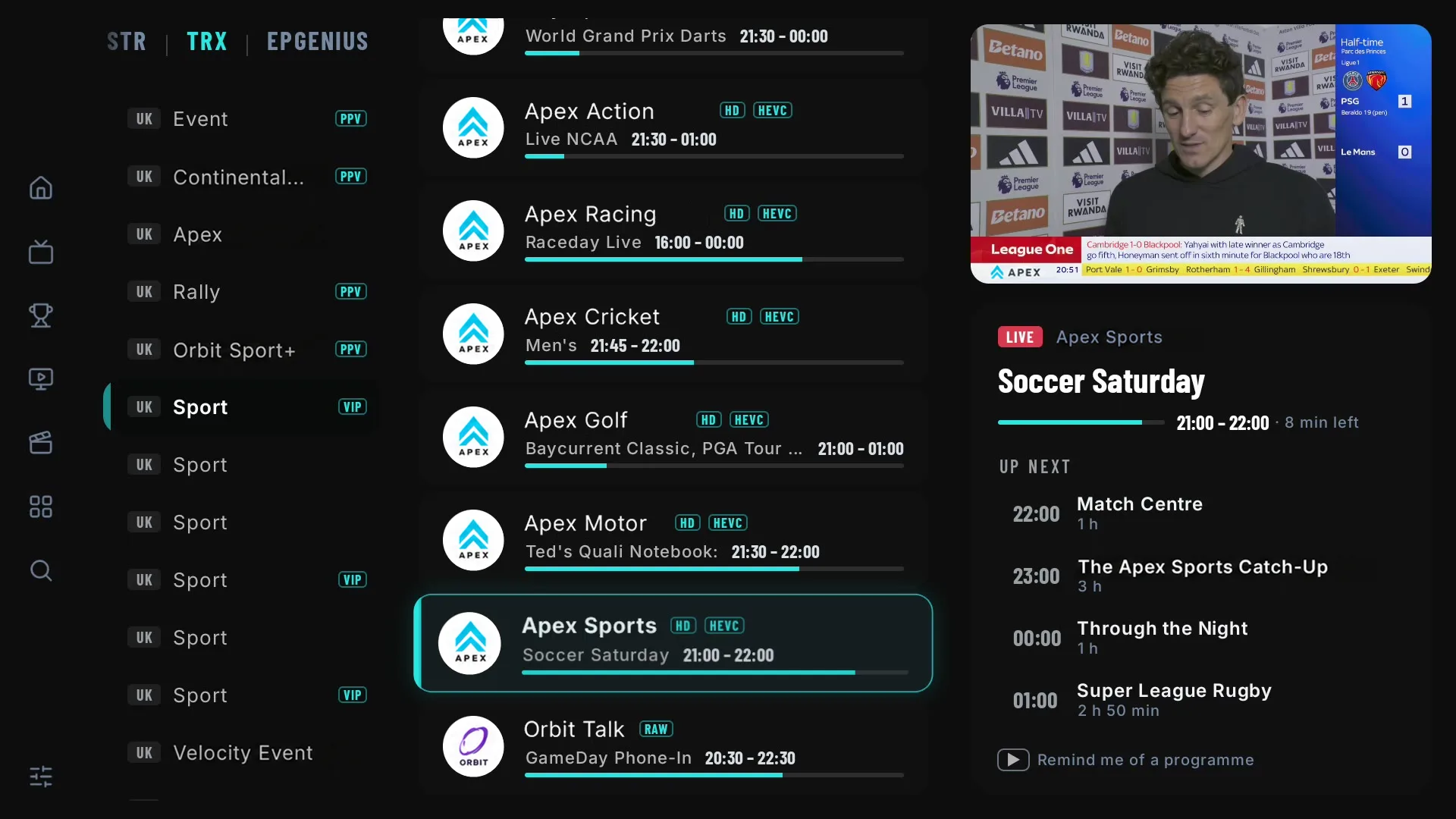
Multi-playlist
Add up to 5 playlists and use them as one. No switching back and forth.
Live TV shows the categories of every playlist together. Filter by source when you only want one.
Build a group with channels from different playlists. Your favourites live in one place, wherever each channel comes from.
Use one playlist for live channels and another for films and series. Films and series follow the playlist you choose.
Sports Center looks for each event in all your playlists. If a broadcast fails, try the same channel in another one.
Home · Films & series
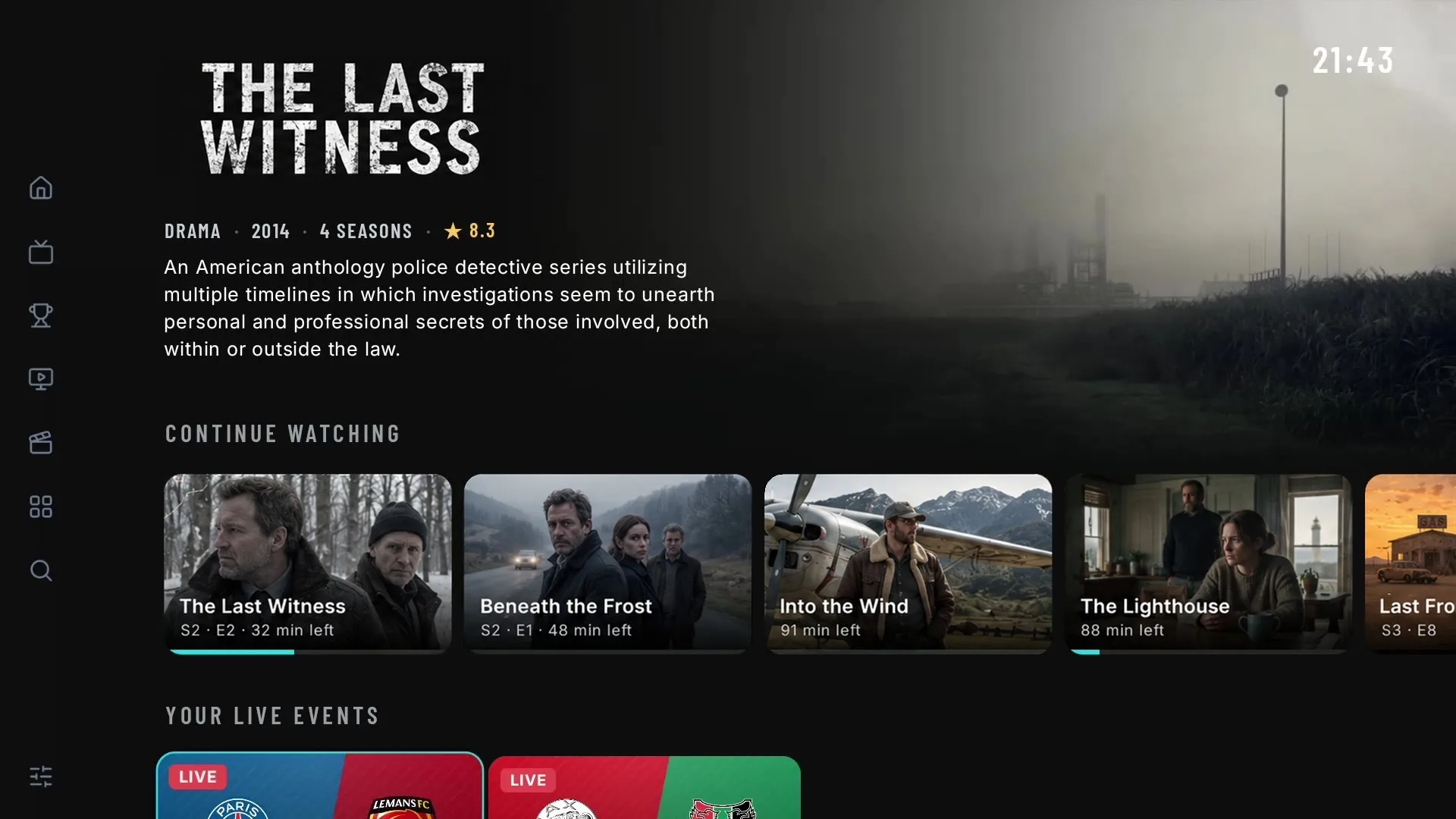
Your Home puts what matters first: what you were watching, today's live events and your films and series, in rows made for the remote. Every title has its own page, with poster, synopsis, cast, recommendations and every audio language grouped.
Screens
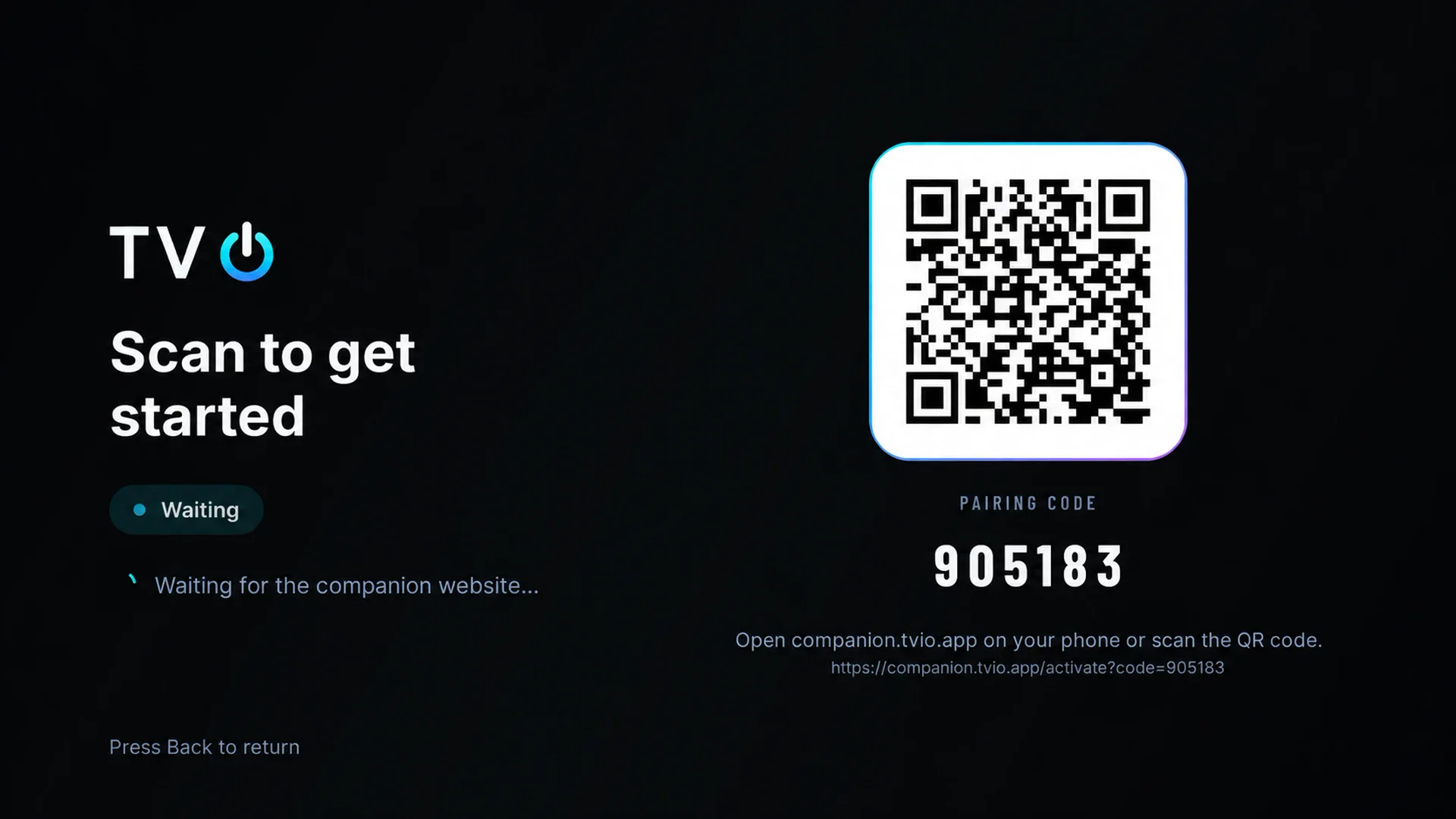
Pair each TV in seconds with a QR code and manage everything from the Companion, on the web or your phone. Favourites and continue watching follow you from one TV to the next.
Pricing
Every account starts with a free 14-day trial. Then Yearly or Lifetime: up to 5 devices and 5 playlists.
Every account starts here. Try TViO with your own playlist.
Everything TViO does, renewed every year.
One payment. No recurring Premium fee.
Prices in USD. TViO does not include channels, playlists or content.
Straight talk
Better you know before you buy.
FAQ
No. TViO is a media player. It does not provide, host or distribute channels, streams or content. You add your own playlists, and only ones you are entitled to use.
It combines several sports calendars with the guide of your playlists and looks for the channels that will show each event. We would rather show nothing than show the wrong thing: if we cannot confirm it, the event appears as Channel to confirm. It is a best match, not a promise: if a broadcast shows something else, mark it as Wrong event and TViO automatically tries the next recommended one.
No. If you add your own guide sources, they always win. TViO only fills the channels and slots that would otherwise be empty.
Yes. A Premium account holds up to 5 playlists. Live TV and Sports Center show their channels together; films and series follow the playlist you have active.
Yes. Every account starts with a 14-day trial, on one device and with up to 2 playlists. Then choose Yearly or Lifetime.
Your account keeps your playlists, favourites and progress the same on every screen, and it is what lets TViO fill in the guide, build the sports agenda and write the pages for your films and series.